Why is my transparent background countdown timer blurry?
Transparent Background Option
At Sendtric, you can choose to make the background of your countdown timers transparent. However, the GIF file format does not work too well with transparent backgrounds. There is some quality loss and bluriness, especially when a small sizer timer is used.
This is a file format limitation rather than something we can do about it, but we do have some recommendations to improve the quality:
1. Use a solid background if possible
Whenever an email is sent, there is an overall background behind the timer anyway, so if you use the same colour background for the timer as your email background, the quality of the timer will be much better.
Alternatively, if your timer is within a specific background gradient or picture, you can create a custom image background and upload it as your timer background. This way, the timer still fits in within the background gradient or picture of your email.
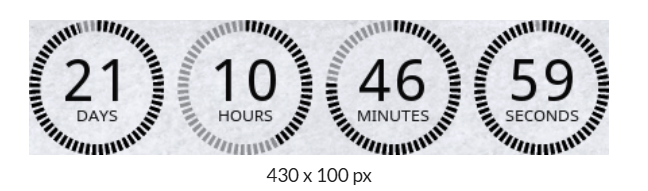
2. Ensure background color matches your email even if you use the transparent background option
Even if you use a transparent background, due to the way the GIF file format works, quality is significantly improved if you select the same background color as the background color of the email template section where the timer will be inserted at.
If there are multiple background colors of your email template section, then select the main one.
3. Use a larger size countdown timer
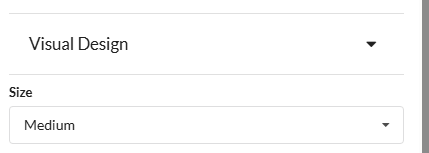
If you absolutely must use a transparent background, then we recommend using as large as possible sized timer. GIFs also natively lose quality when they are very small, so combining that with transparency does result in less sharp looking timers.
We recommend using a larger size timer in the Visual Design Editor Tab on the left hand side.
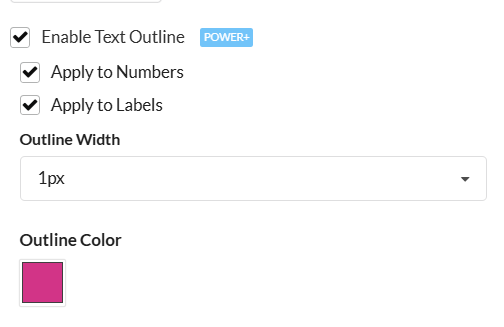
4. Use the labels and digit outline feature
By adding some extra thickness (even if you use the same color as the digits/labels) with the outline feature, it helps reduce the bluriness of small timer sizes.
5. Use a solid/thicker font
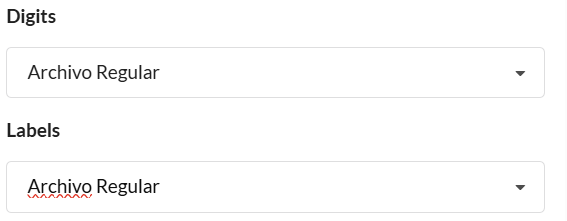
In addition to using a larger size timer, we also recommend using a thicker font style such as Archivo Regular.
6. Use a 'simpler' timer style
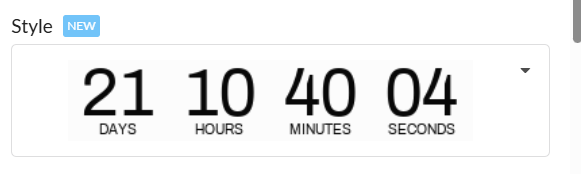
The more elements a timer style uses, the more of them can have their sharpness reduced when a transparent background is used. So if you do need a transparent background, we recommend using one of the simpler timer styles, such as the default one.